


Open the ZEN.COM app, and go to Wallet from the bottom menu.
Open the ZEN.COM app, and go to Wallet from the bottom menu.
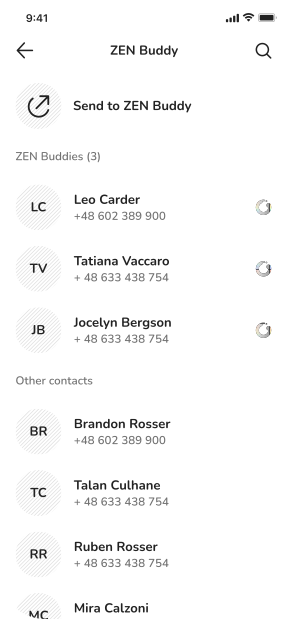
Then, tap "Transfer" and select phone number as your transfer destination.
Select phone number as your transfer destination.

Download the ZEN.COM app
and register in minutes.
Register in minutes. Start with your app store.
 Scan to download
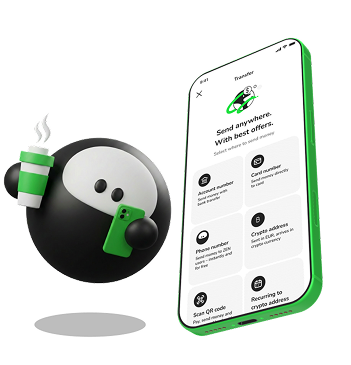 Enter a ZEN.COM user's phone number and the money arrives in seconds. No bank details, no IBAN.
Enter a ZEN.COM user's phone number and the money arrives in seconds. No bank details, no IBAN.
Enter a ZEN.COM user's phone number and the money arrives in seconds. No bank details, no IBAN.
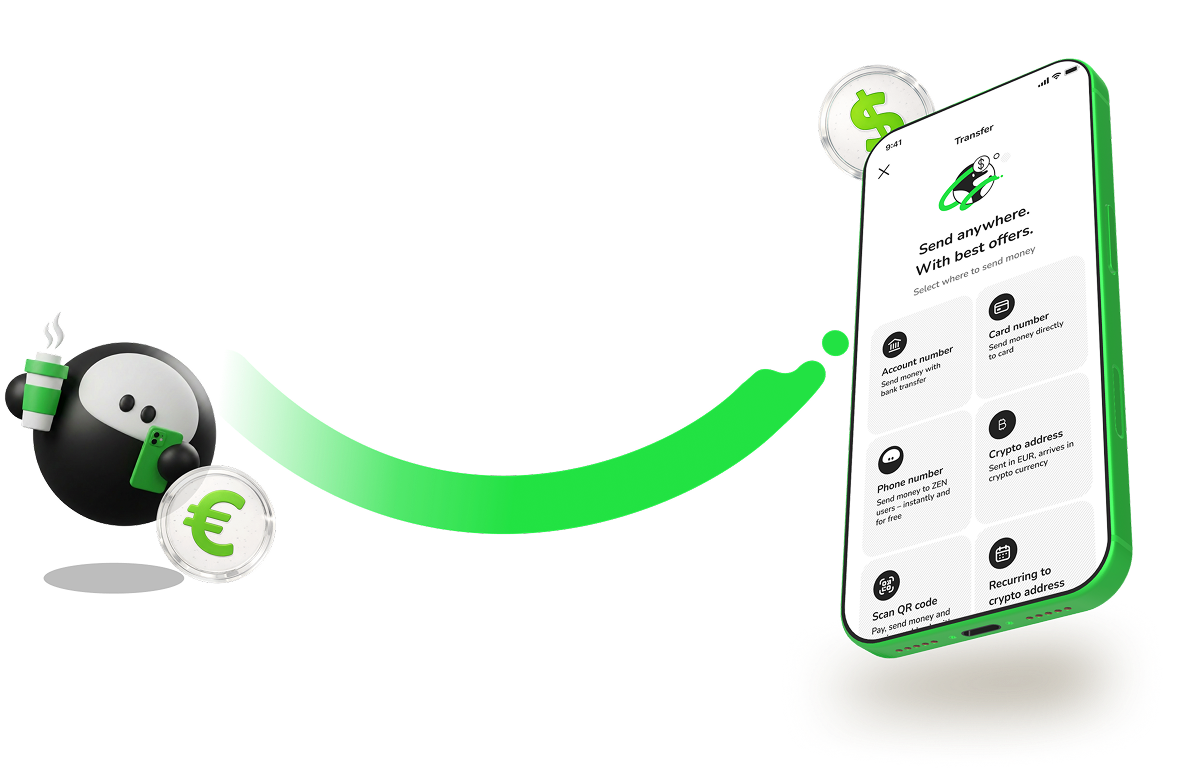



Always for free
Arrives in seconds







Download the ZEN.COM app and open your account. It takes under 5 minutes. Then follow these three steps to send money to any ZEN account user.
Then, tap "Transfer" and select phone number as your transfer destination.
Select phone number as your transfer destination.
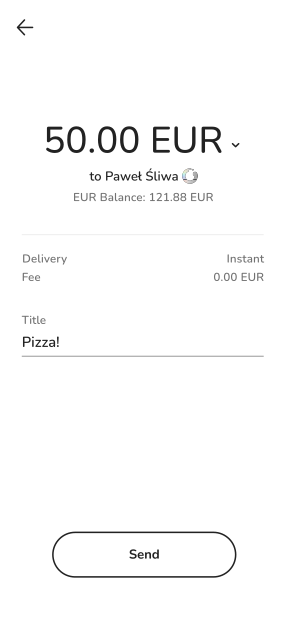
Review the recipient's details before confirming the transfer.
Then, tap "Transfer" and select phone number as your transfer destination.
If they have a ZEN account, the money arrives in seconds. If not, it waits until they download the app, but no longer than 3 days.
If they have a ZEN account, the money arrives in seconds. If not, it waits until they download the app, but no longer than 3 days.




Licensed financial institution. Your money is regulated and protected.

Secure transfers between verified ZEN accounts.

Licensed financial institution operating globally. ZEN Buddies works between users in all supported countries.
Can I send money abroad to a phone number?
How long does a phone number transfer take?
How does the recipient receive the money?
What are the limits for mobile phone transfers?
Is sending money to a phone number safe?
Can I send money abroad to a phone number?

