


Split the bill
Just scan and send.







Why ZEN.COM
A simpler way to split the bill
Splitting costs with friends should be simple. Scan a QR code to send your share, with no account details to enter.
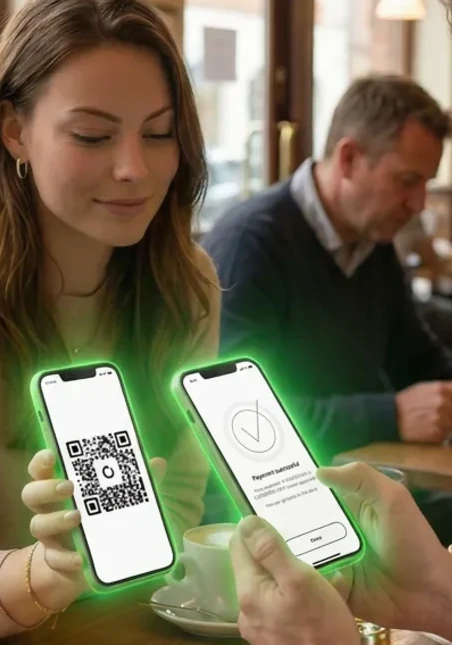
 Nothing to type
The QR code holds the recipient's details, so there is nothing to copy or enter by hand.
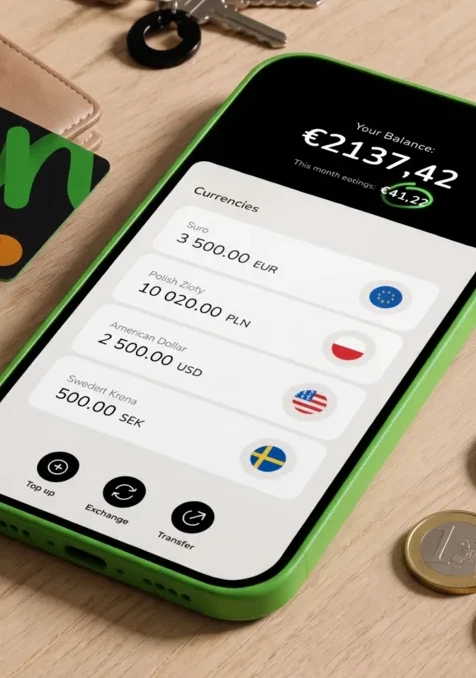
 See it before you send
You see exactly how much you are sending, and who you are sending it to, before you confirm.

 Split costs right away
Split the cost of dinner, a taxi or groceries while you are still together, instead of later.
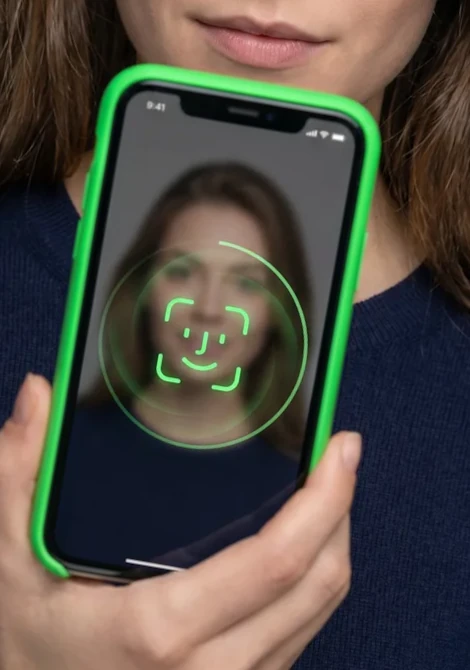
 Confirmed by you every time
You approve every payment with your passcode or biometrics, so only you can send money from your account.
 Get the ZEN.COM app
How it works
Split a bill in three steps
1.
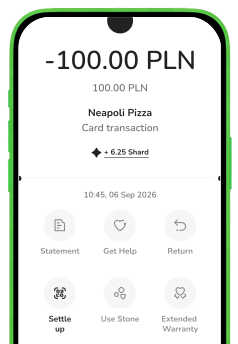
Open the transaction
Go to the transaction you want to split, then tap "Settle up".
2.
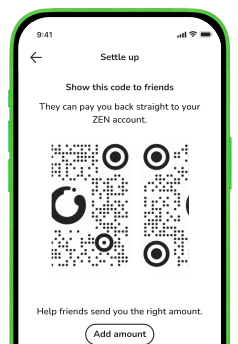
Scan the QR code
The person getting paid shows their QR code in the app. Scan it to add their details automatically.
3.
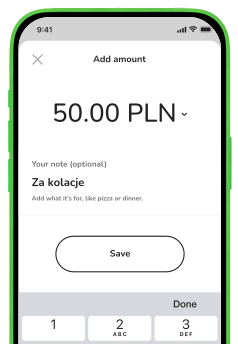
Send your share
Enter the amount, add a note if you like, then send. It goes straight to their ZEN account.
 Get the ZEN.COM app
Use cases
Made for splitting everyday costs

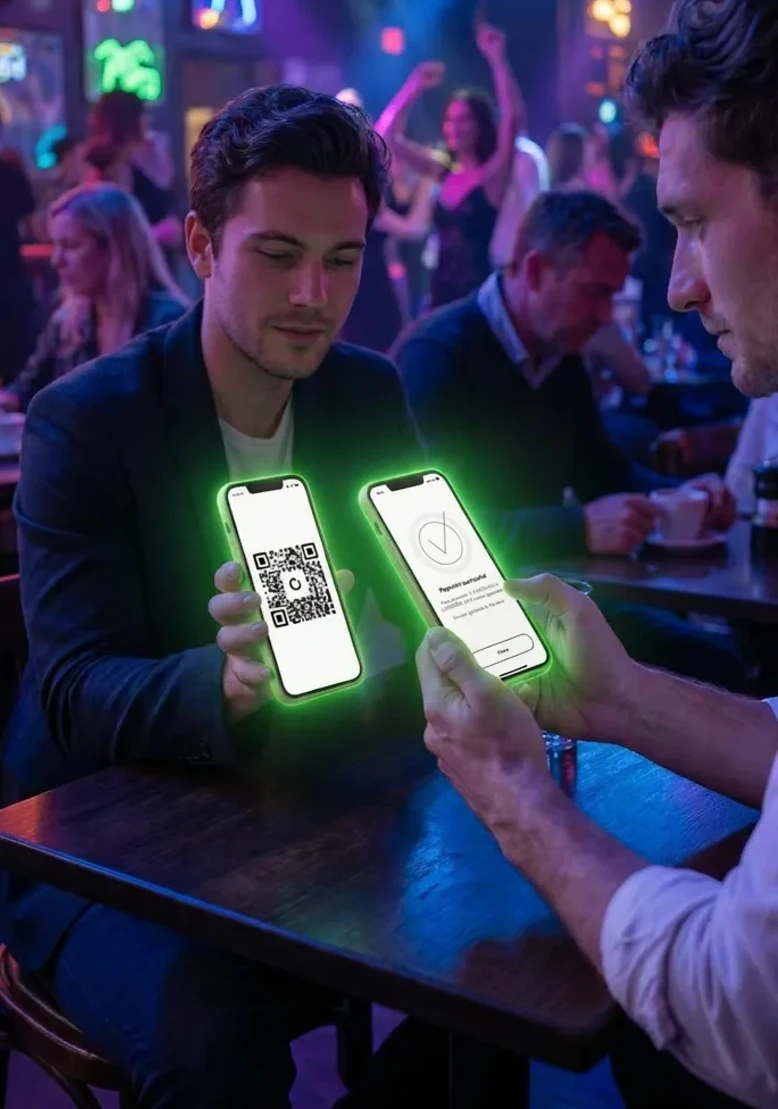
 Dinner with friends
Split the bill as soon as it arrives, before anyone forgets their share.
 Paying someone back
Pay back money a friend covered for you, with a single scan.

 Rent and bills
Send your share of the rent or a utility bill to your roommate in a few taps.

 Group gifts and trips
Share the cost of a gift or a trip, without tracking it by hand.
Frequently asked questions
-
What is Split Payments?
Split Payments lets you send money to someone by scanning a QR code in the ZEN.COM app. You can use it to split bills and pay people back without entering account details. -
Do I need the other person's bank details?
No. The other person shows their QR code in the ZEN.COM app, and scanning it adds the details needed to send the money. -
Does the other person need a ZEN.COM account?
To receive money, the other person shows a QR code from the ZEN.COM app, so they need the app to get paid. -
Can I get paid as well as send money?
Yes. Show your own QR code in the app and let others scan it to pay you. -
How much does it cost to split a payment?
Split payments are free in every plan. -
How do I keep my payments secure?
You approve every payment with your passcode or biometrics, and you check the amount and the recipient before it is sent. ZEN.COM is authorized as an electronic money institution and safeguards customer funds in line with that status.
