ZEN.COM BRAND KIT helps unify brand materials and ensure they consistently reflect the ZEN.COM visual identity.
It provides quick access to key brand assets: from logos, colours, and typography to graphic elements and product visuals - making the creation process faster, easier, and more consistent.
What you can use
All assets can be used according to the provided guidelines. Templates may be adapted to specific needs while maintaining the overall ZEN.COM visual identity.
What requires approval
New or non-standard uses of the ZEN.COM brand, changes to core brand assets, new branded materials, or external distribution of assets not covered by this kit require approval from the ZEN.COM team before use.
This helps save time, streamline creation, and ensure every communication contributes to one cohesive, recognizable ZEN.COM brand.
Assets in Figma
You can download all ZEN.COM brand assets featured in this Brand Kit directly from Figma. THIS FILE includes ready-to-use assets for designers, making it easy to find, copy, and adapt them for your designs.
LOGO
The ZEN.COM logo is a key brand asset and an important part of how our brand is recognized and trusted. Use the full logo whenever possible.
Always prioritize legibility, consistency, and correct proportions. Use the provided logo assets according to the guidelines.
Naming
When using the ZEN.COM name in text, use uppercase letters and always full name: ZEN.COM. The name of the brand should be written in the same font as the surrounding text.
DO NOT use the ZEN.COM logo as part of a sentence within a block of copy. However, you may use the logo at the end of a short descriptor, such as “Secure payments by ZEN” or “Check out with ZEN”.
The ZEN.COM name must not be translated into other languages.
In the case of promoting ZEN.COM with another payment brand, the brand name and/or mark must be presented with prominence and frequency equal to that of all other payment brand names and/or marks.

Logo variants
The ZEN logo only comes in 2 colors: white or black.
If the ZEN logo is placed on colored backgrounds (other than white or black), keep the maximum readability in line with WCAG accessibility standards.
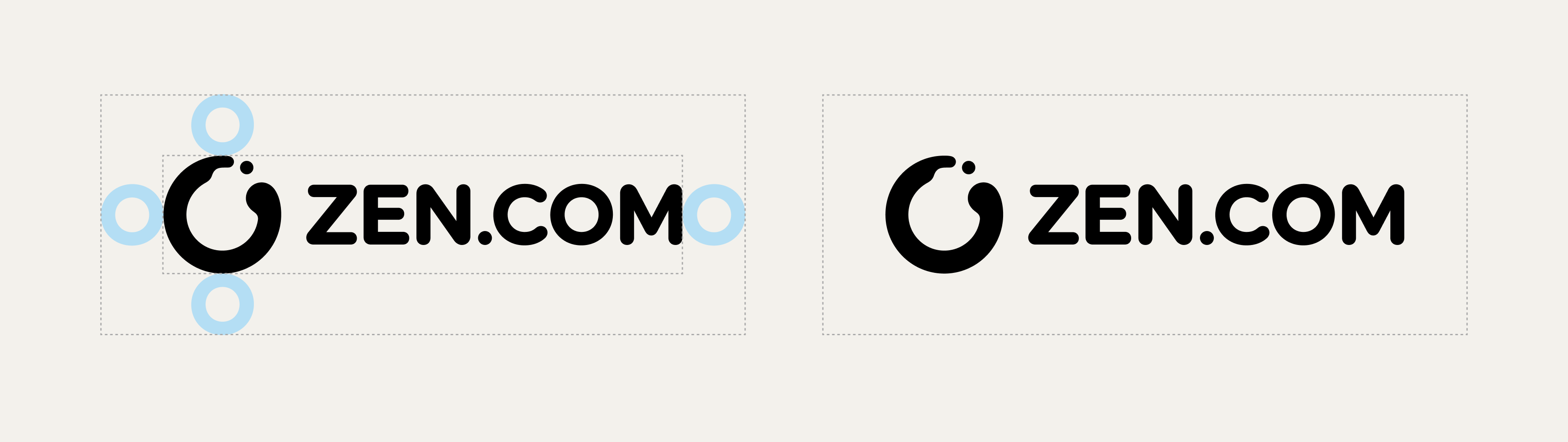
The ZEN.COM logo consists of two elements: the distinctive circle logomark, referred to as “enso,” and the ZEN.COM wordmark. The primary version of the logo is the horizontal layout, which is used in most communications as the primary representation of the brand.
Clear space
Always respect the clear space around the ZEN.COM. The clear space around the ZEN.COM logo is the size of the letter “O” in the word “ZEN.COM”. This space helps keep the logo easy to read and well-visible.
Never place text, graphics, or other visual elements within the defined clear space.
Claim
ZEN was born from building a company the hard way. We grew up in e-commerce, scaling from a small shop to a global marketplace and seeing the frictions up close: merchants losing time to payments, compliance, risk, and rules set by platforms that stand between them and their customers; consumers overwhelmed by noise and tricks — too many choices, hidden fees, dark patterns, fake reviews, throwaway goods.
We started ZEN to fix what is broken. For merchants, we cut costs, remove friction, and return control of brand and customer relationships. For consumers, we bring clarity, protection, and simple guidance so choosing well becomes easy. We build with discipline, speak in plain language, and prove value with results. We are a quiet ally in a loud market, measuring success by time back, money saved, and problems solved. When decisions get complex, we make them simple and fair. When systems feel stacked, we level the field so people can focus on what matters. Live Better.

COLORS
Color Palette
ZEN.COM’s core palette consists of four natural, minimal hues. They echo Zen principles and support a calm, distraction-free product experience.
- HEX
- #000000
- RGB
- 0, 0, 0
- CMYK
- 0, 0, 0, 100
- HEX
- #FFFFFF
- RGB
- 255, 255, 255
- CMYK
- 0, 0, 0, 0
- HEX
- #22E243
- RGB
- 34, 226, 67
- CMYK
- 65, 0, 100, 0
- HEX
- #F3F1EC
- RGB
- 243, 241, 236
- CMYK
- 6, 5, 8, 0
TYPOGRAPHY
Nunito
The company font for the ZEN.COM brand is NUNITO. You can download it from the Google Fonts website.
Use the Regular weight for longer paragraph text and Bold to highlight important content, such as headings and key messages.
Download NunitoPRODUCT
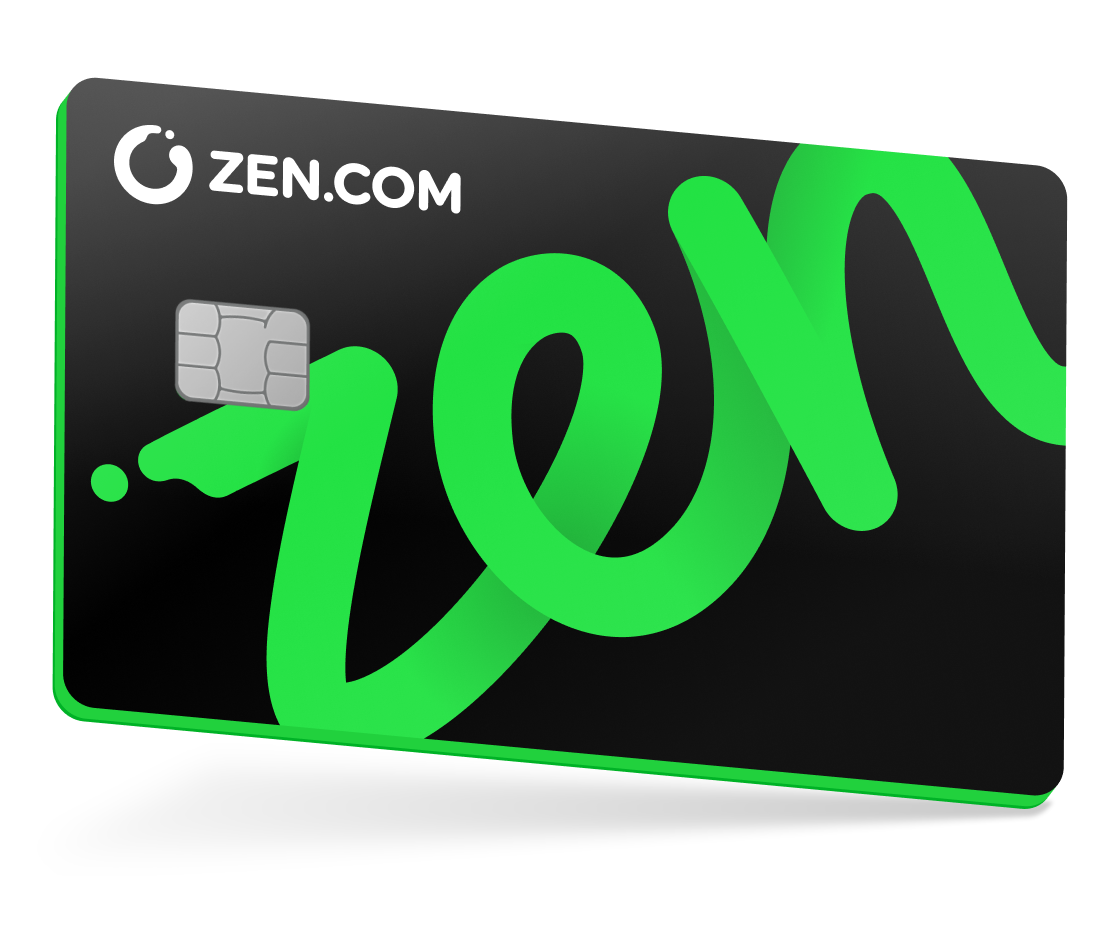
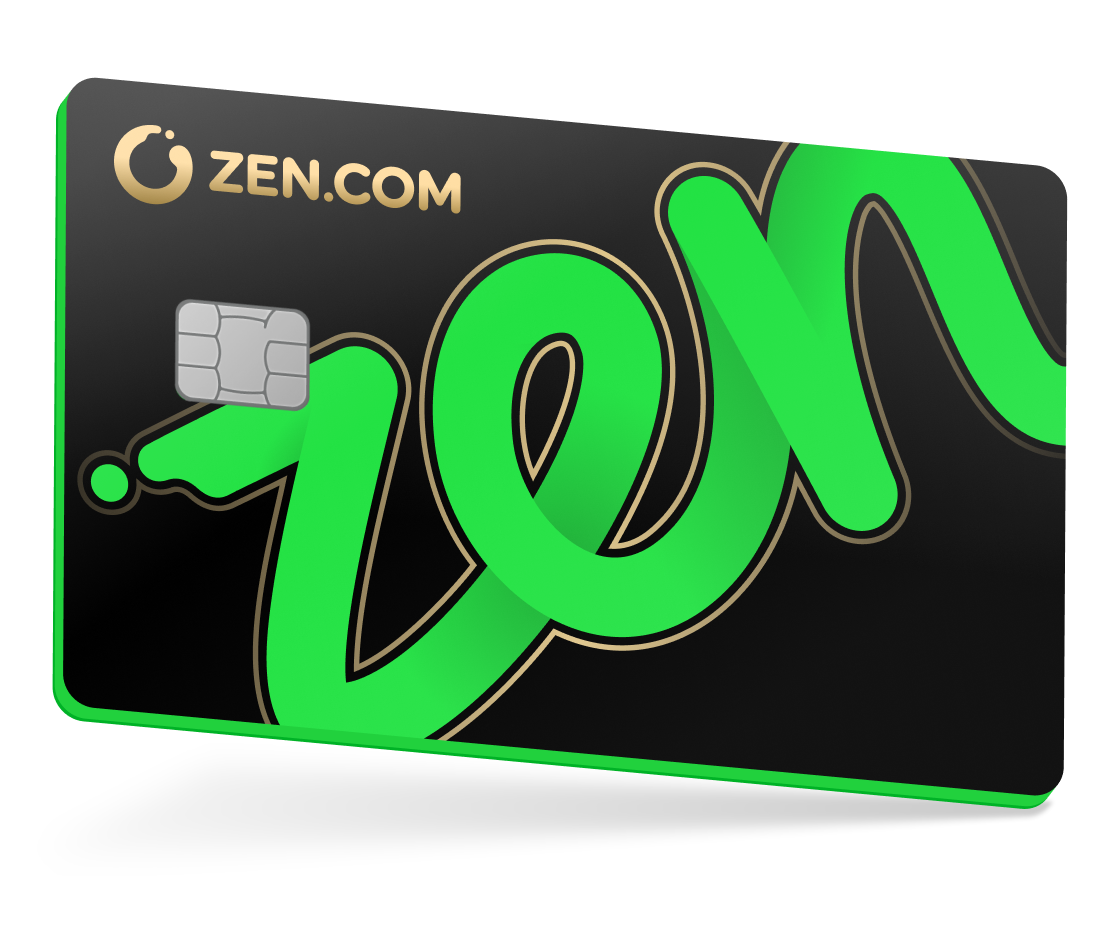
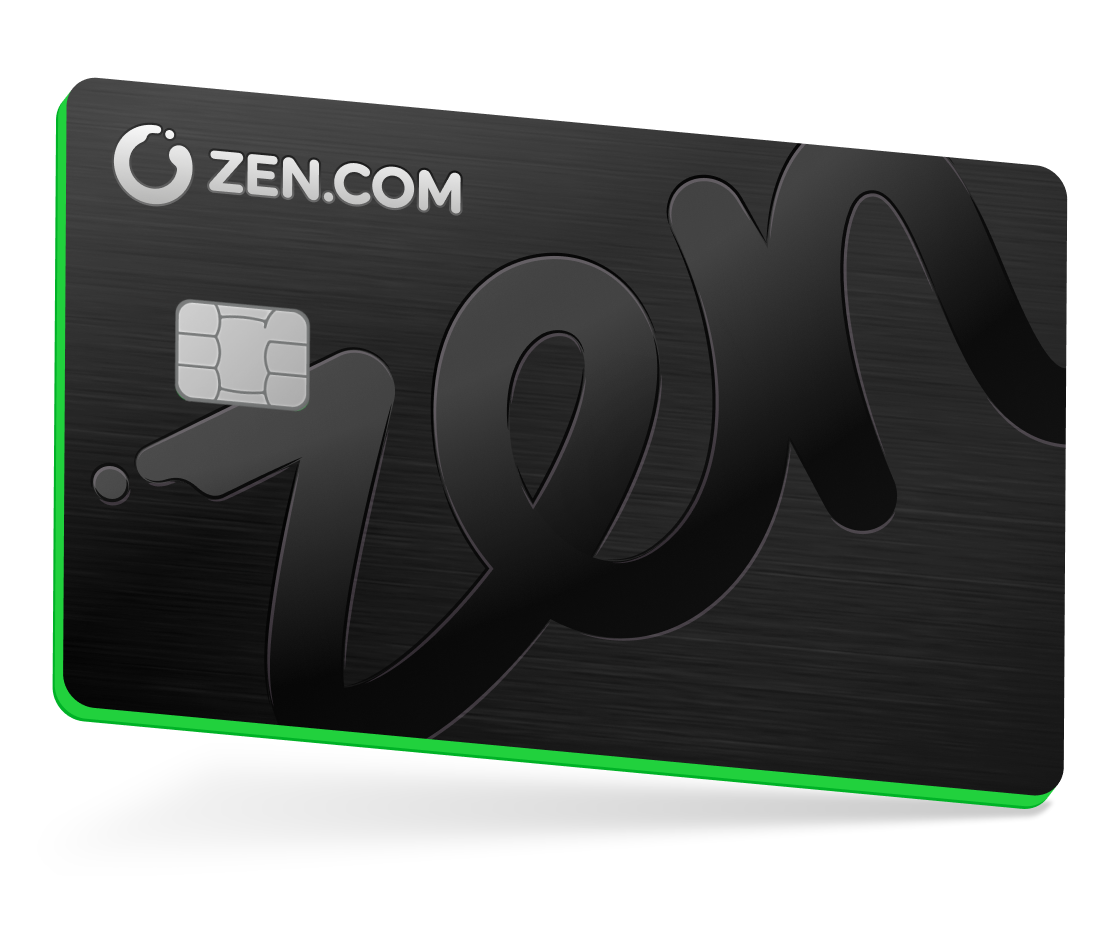
Card visuals
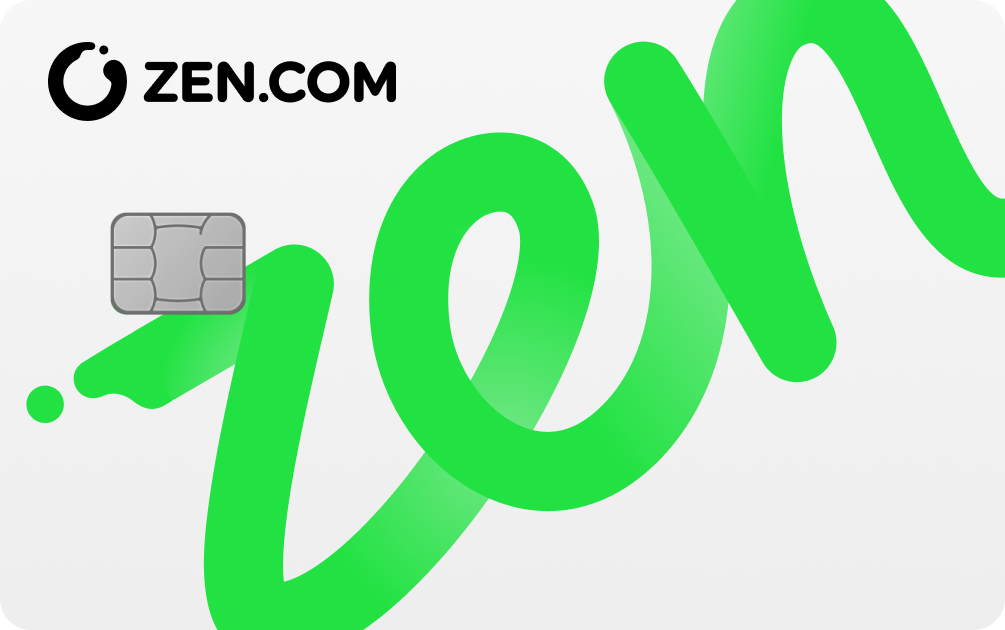
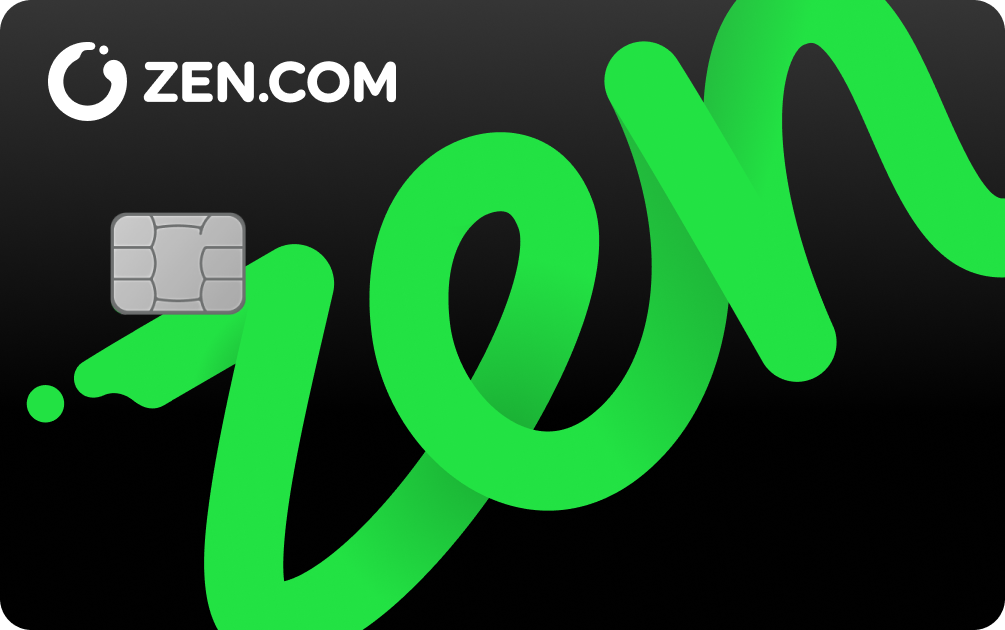
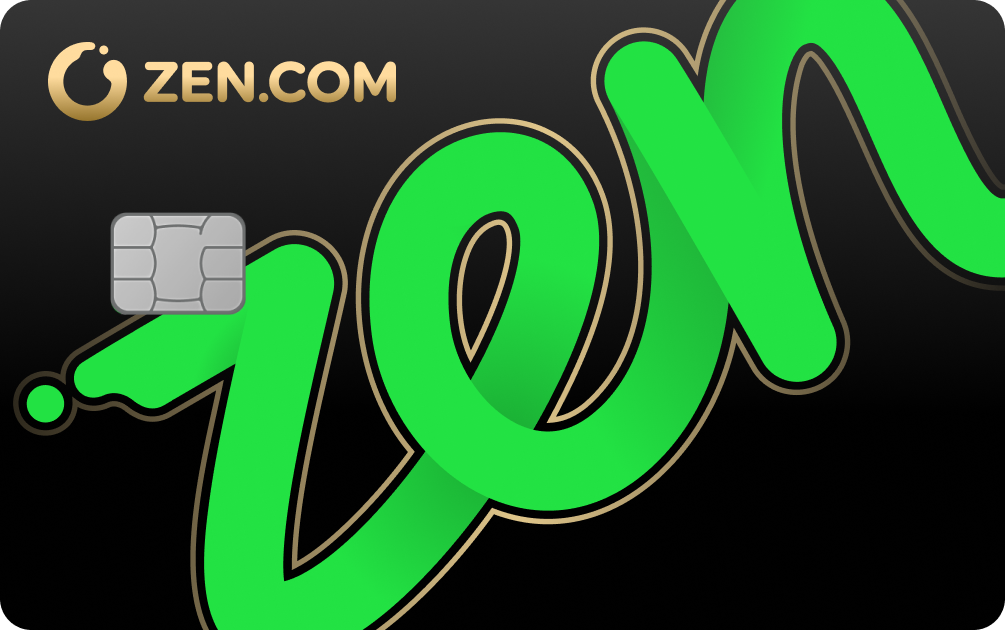
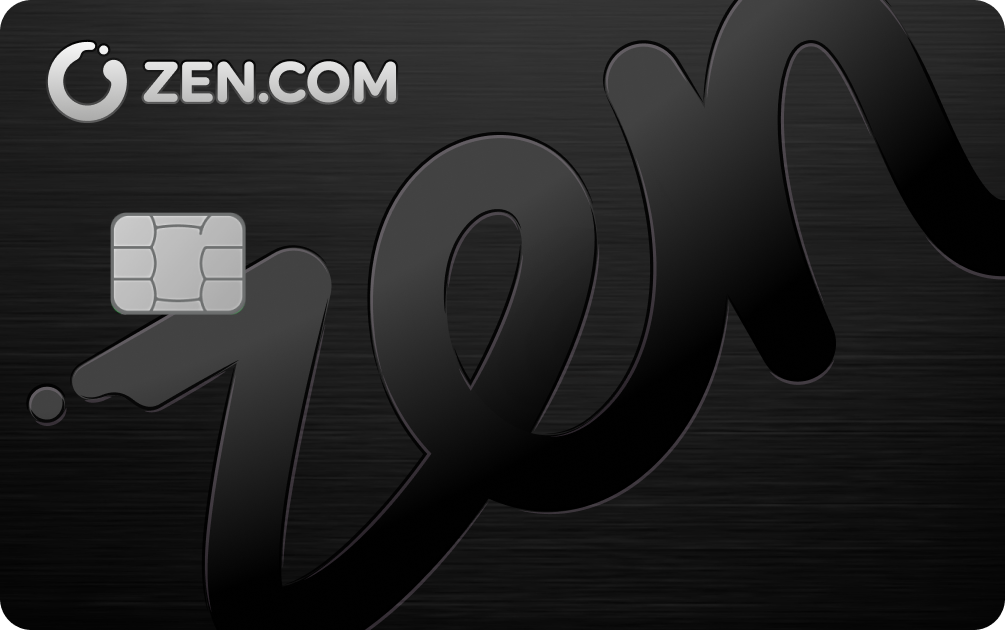
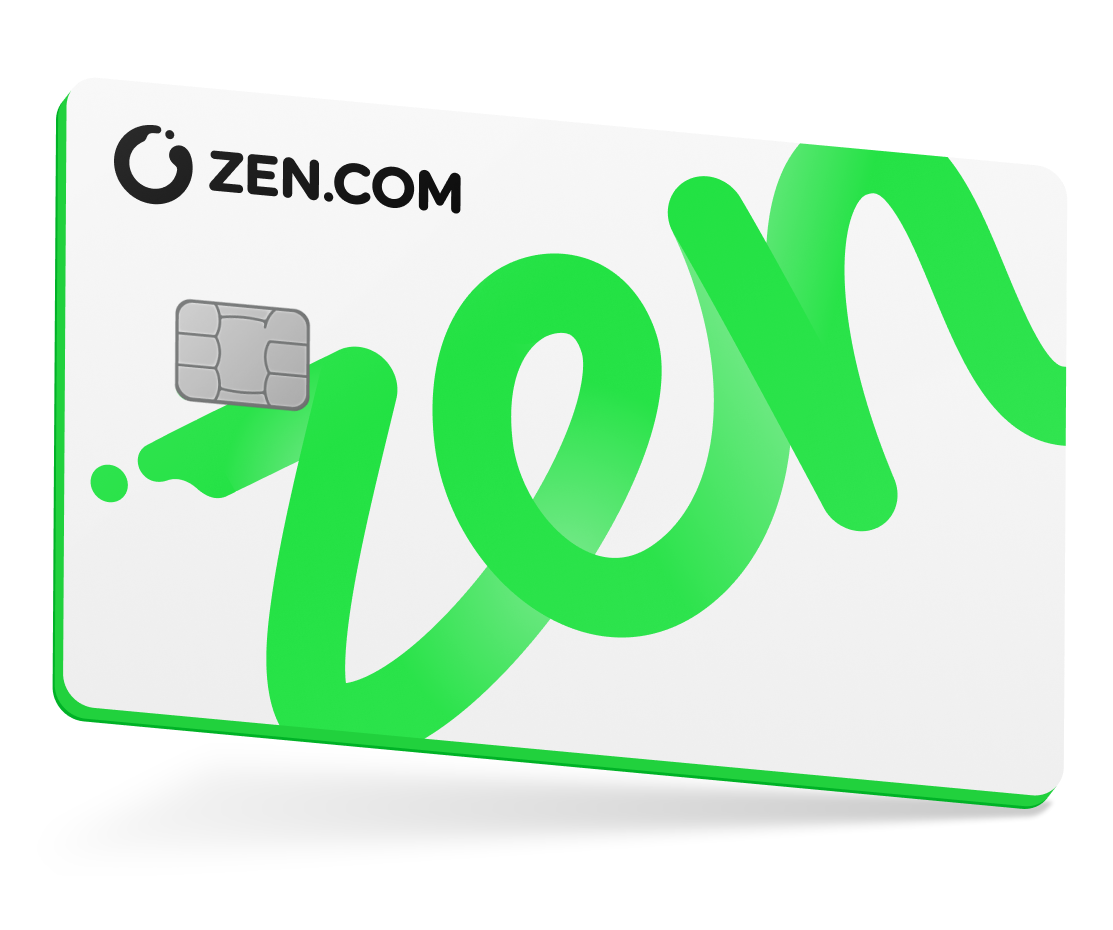
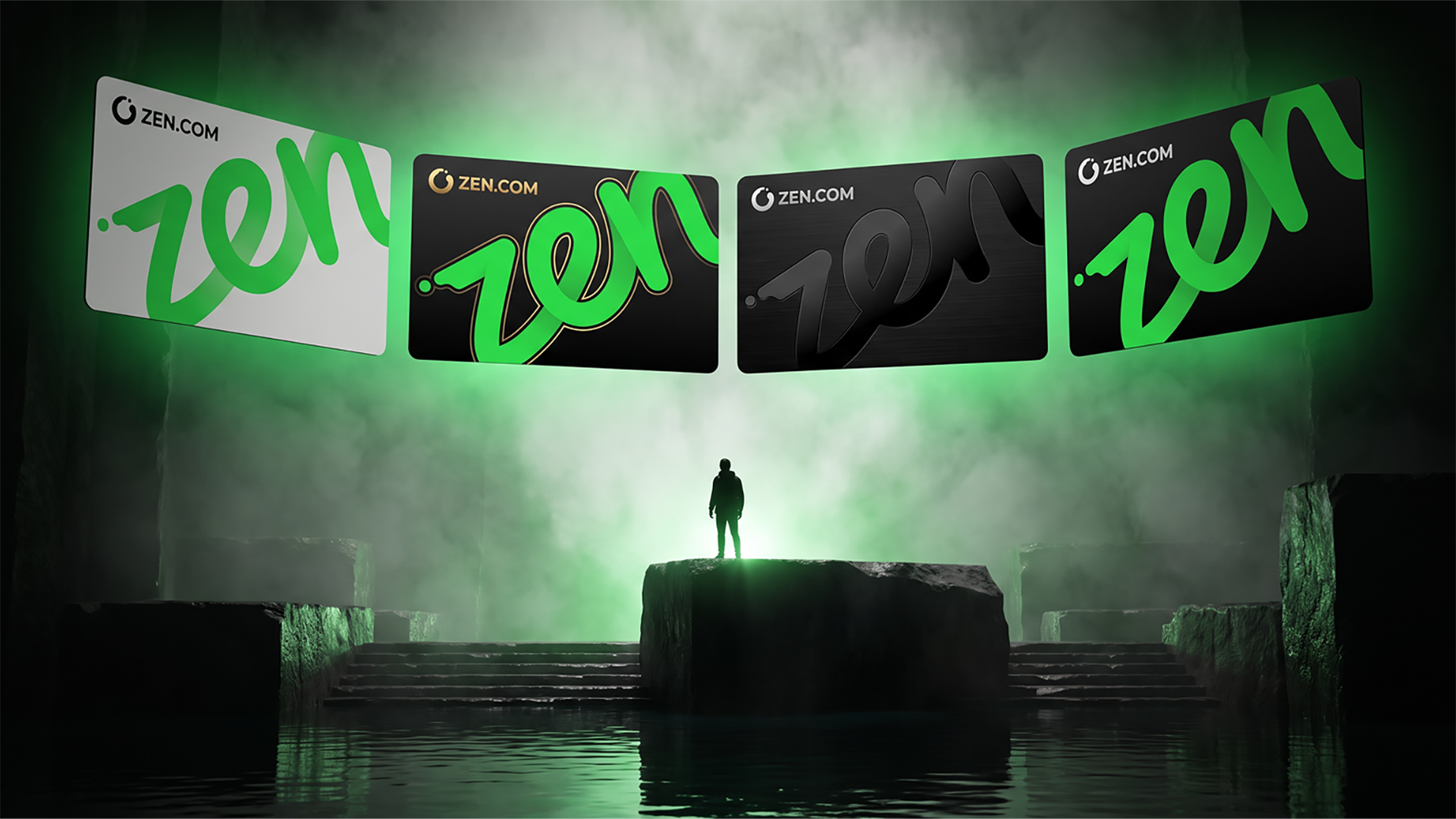
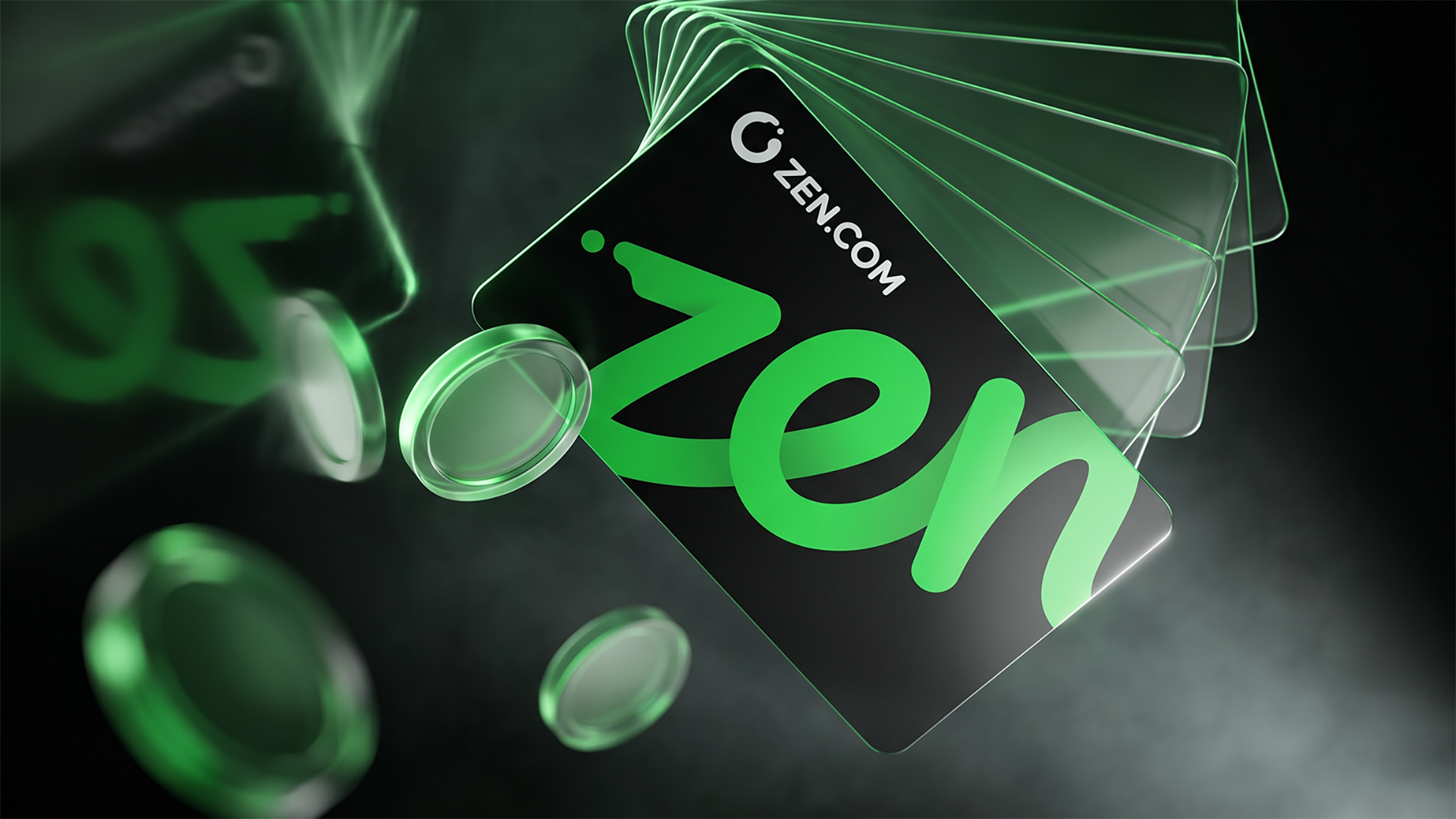
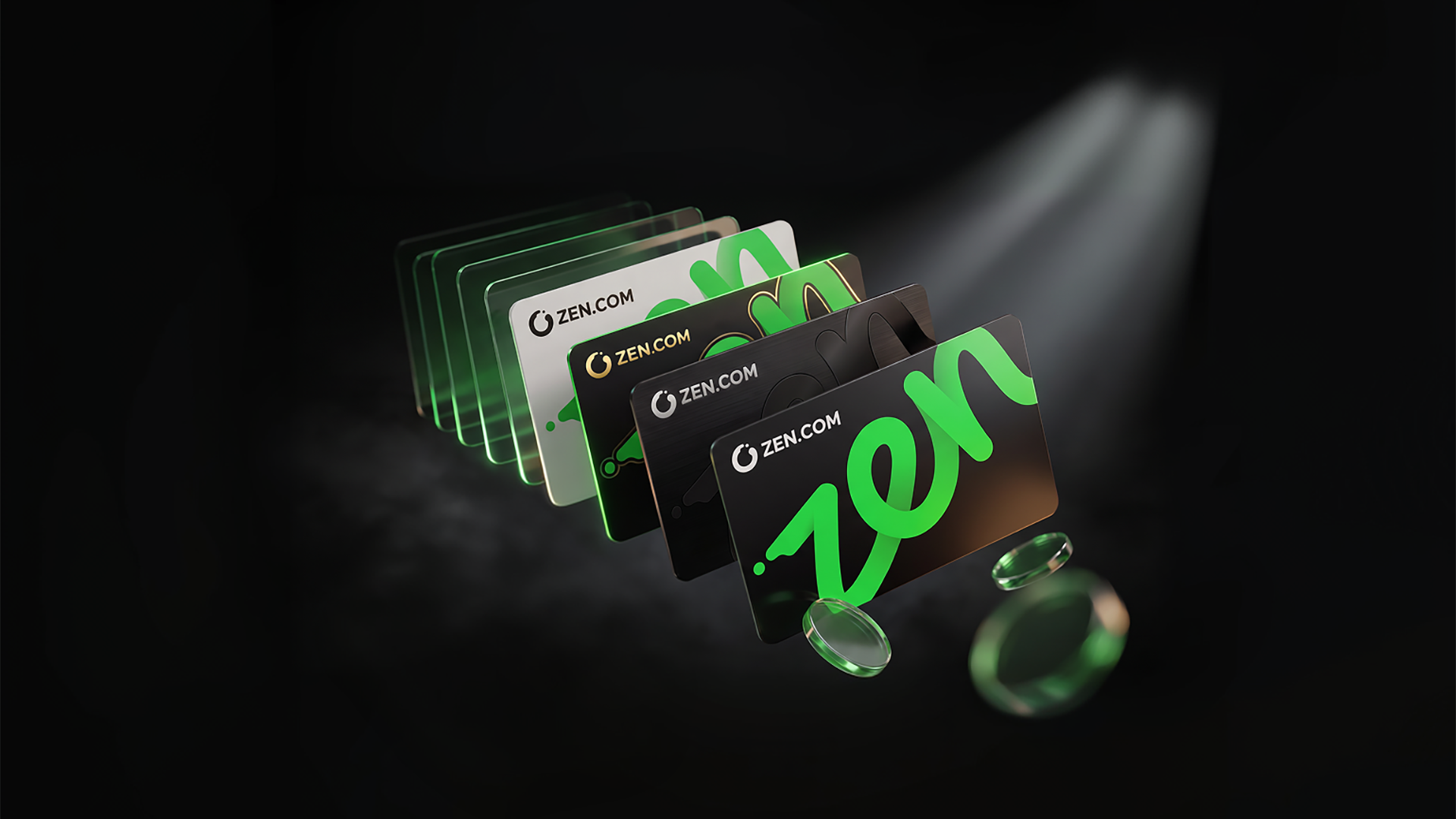
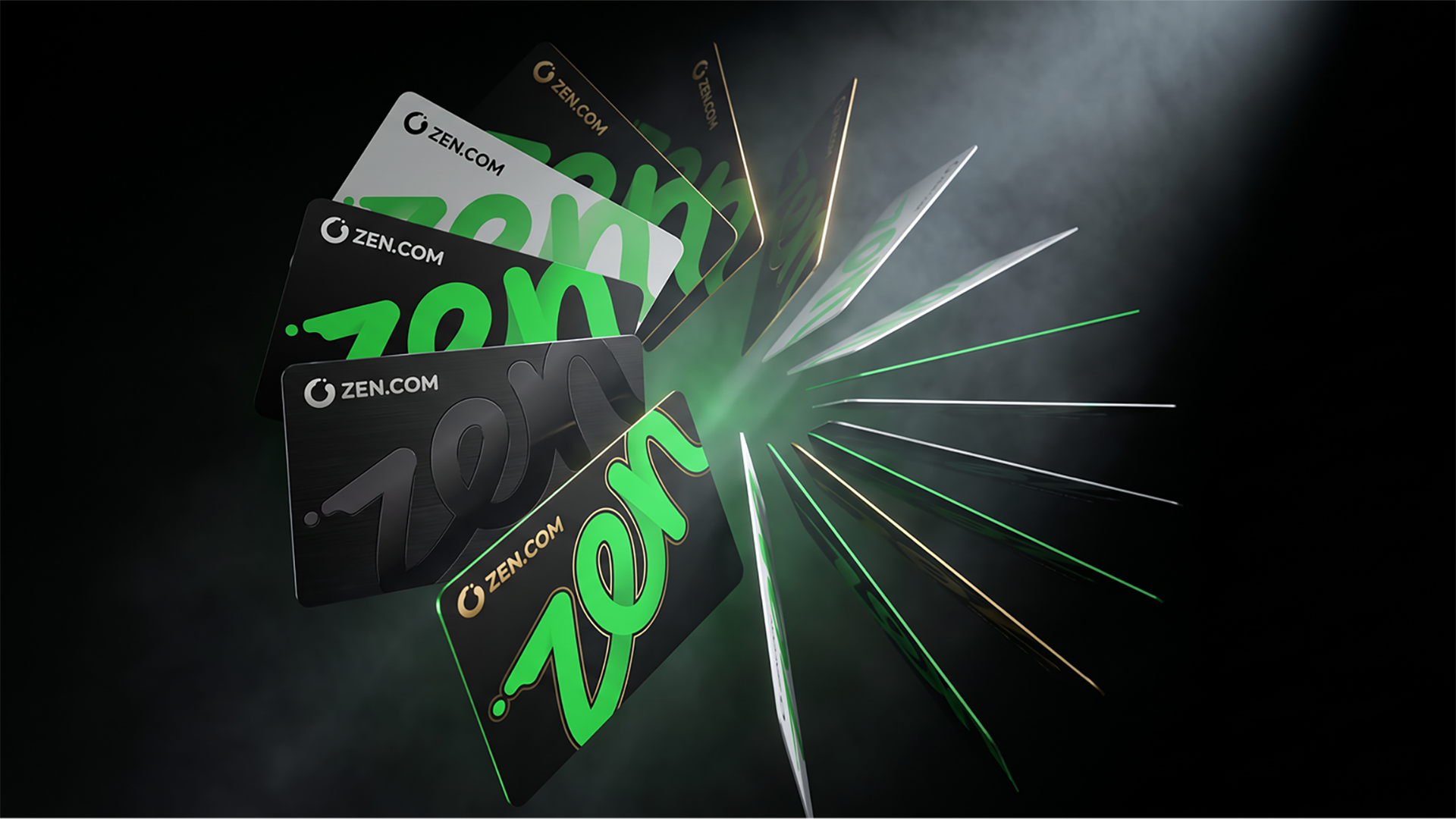
Marketing-ready ZEN.COM card visuals designed to showcase our product consistently across campaigns and communications. Use the provided assets to keep the card appearance clear, recognizable, and aligned with the ZEN.COM brand.
GRAPHIC ELEMENTS
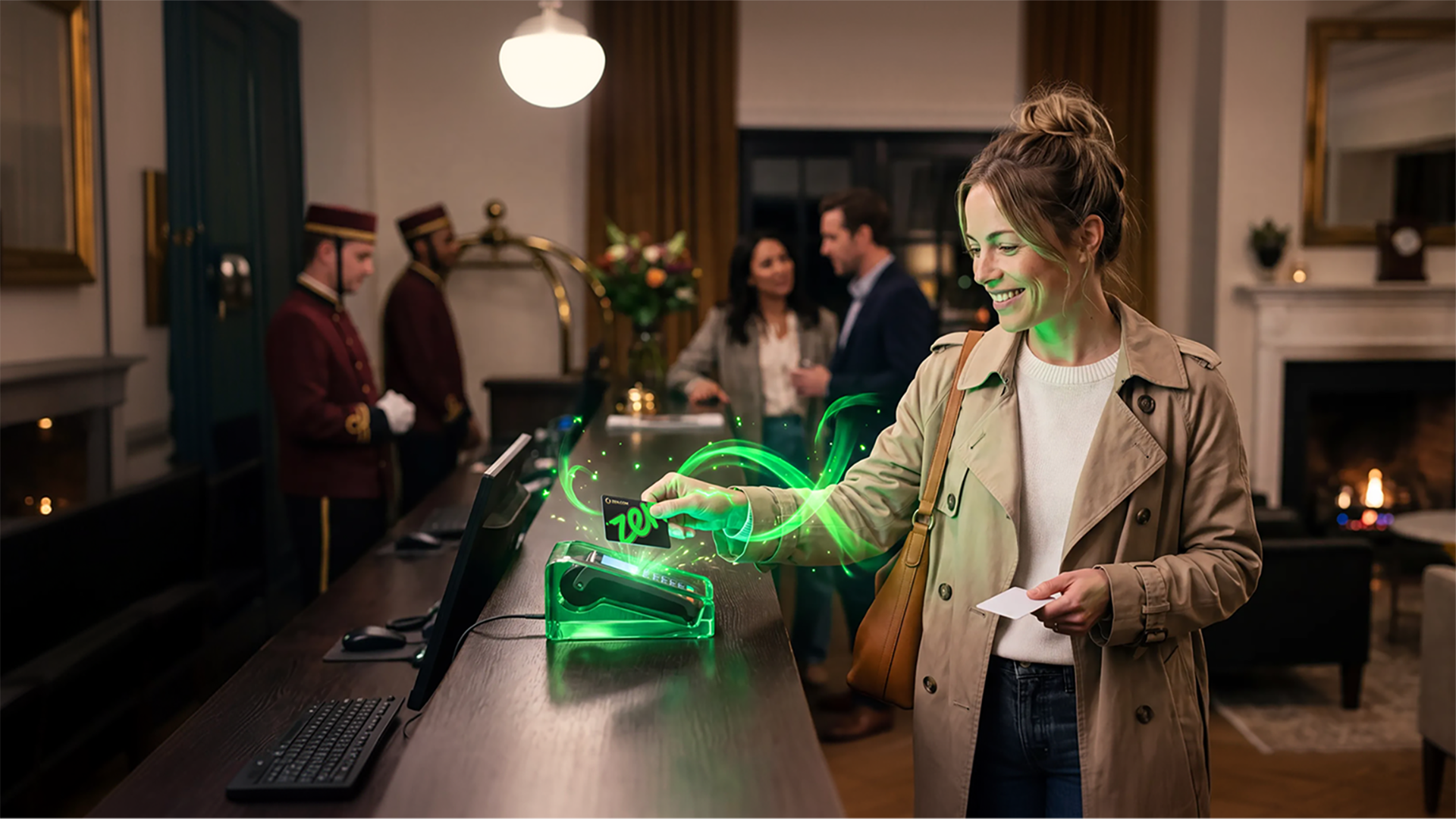
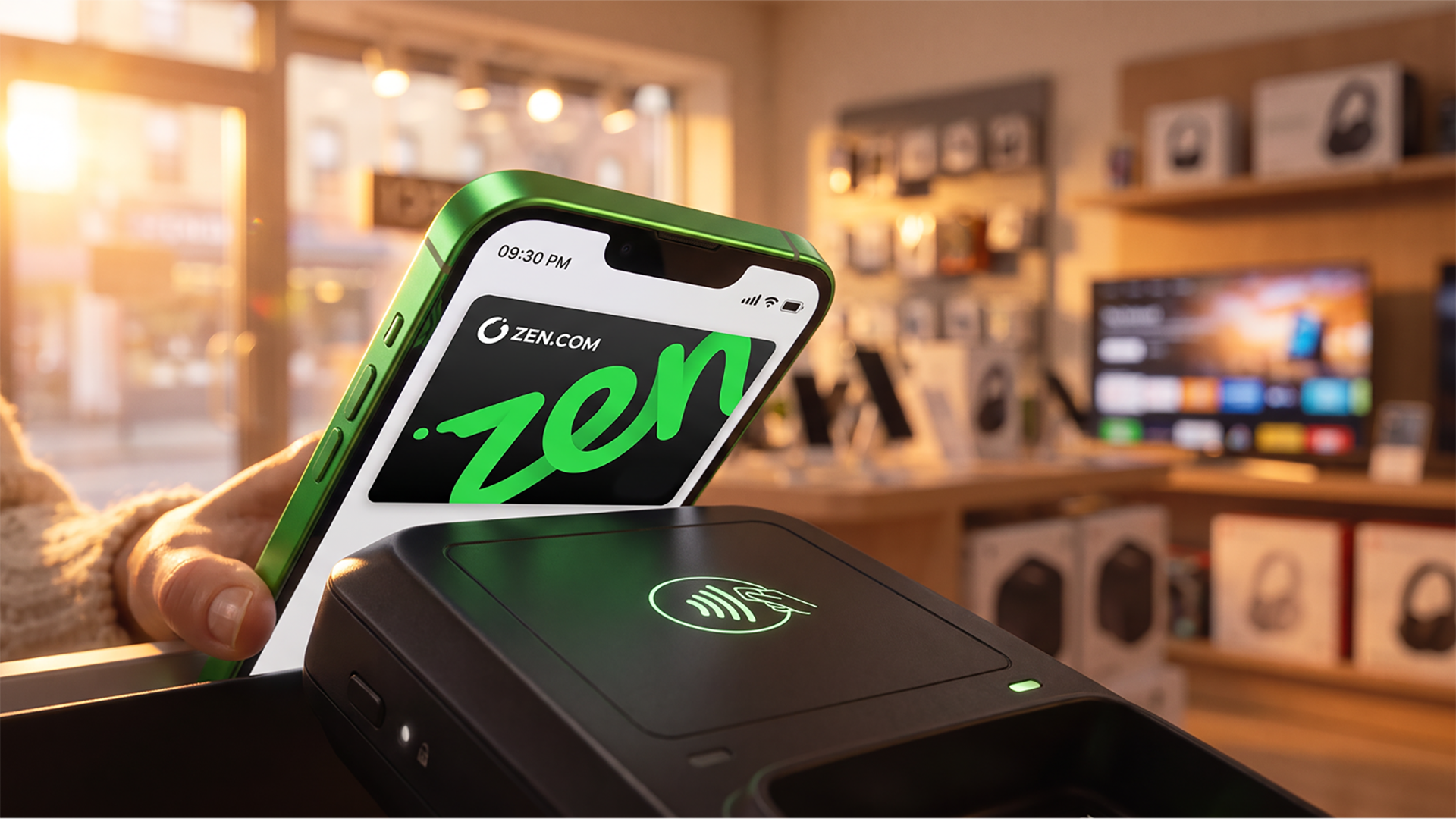
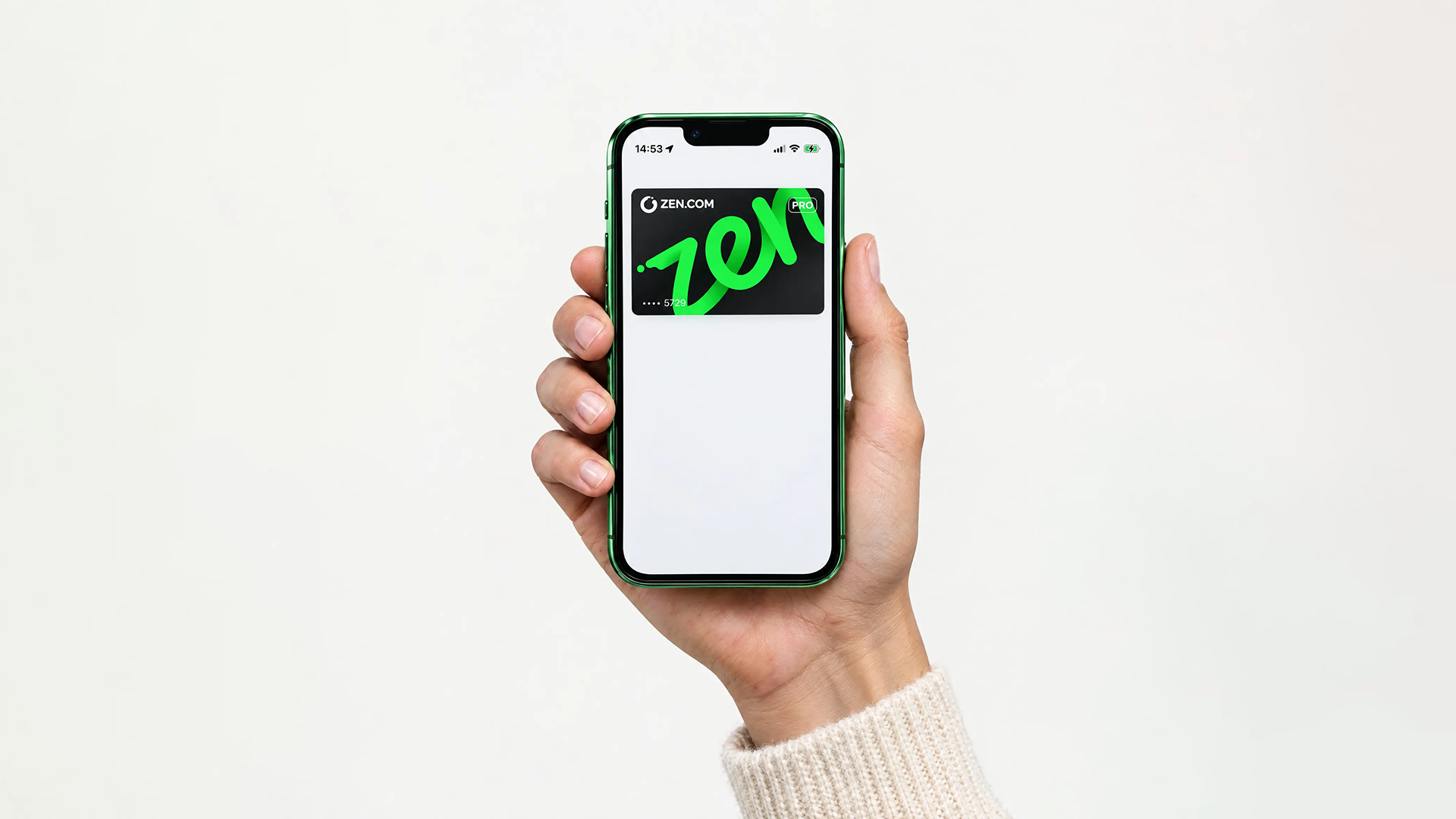
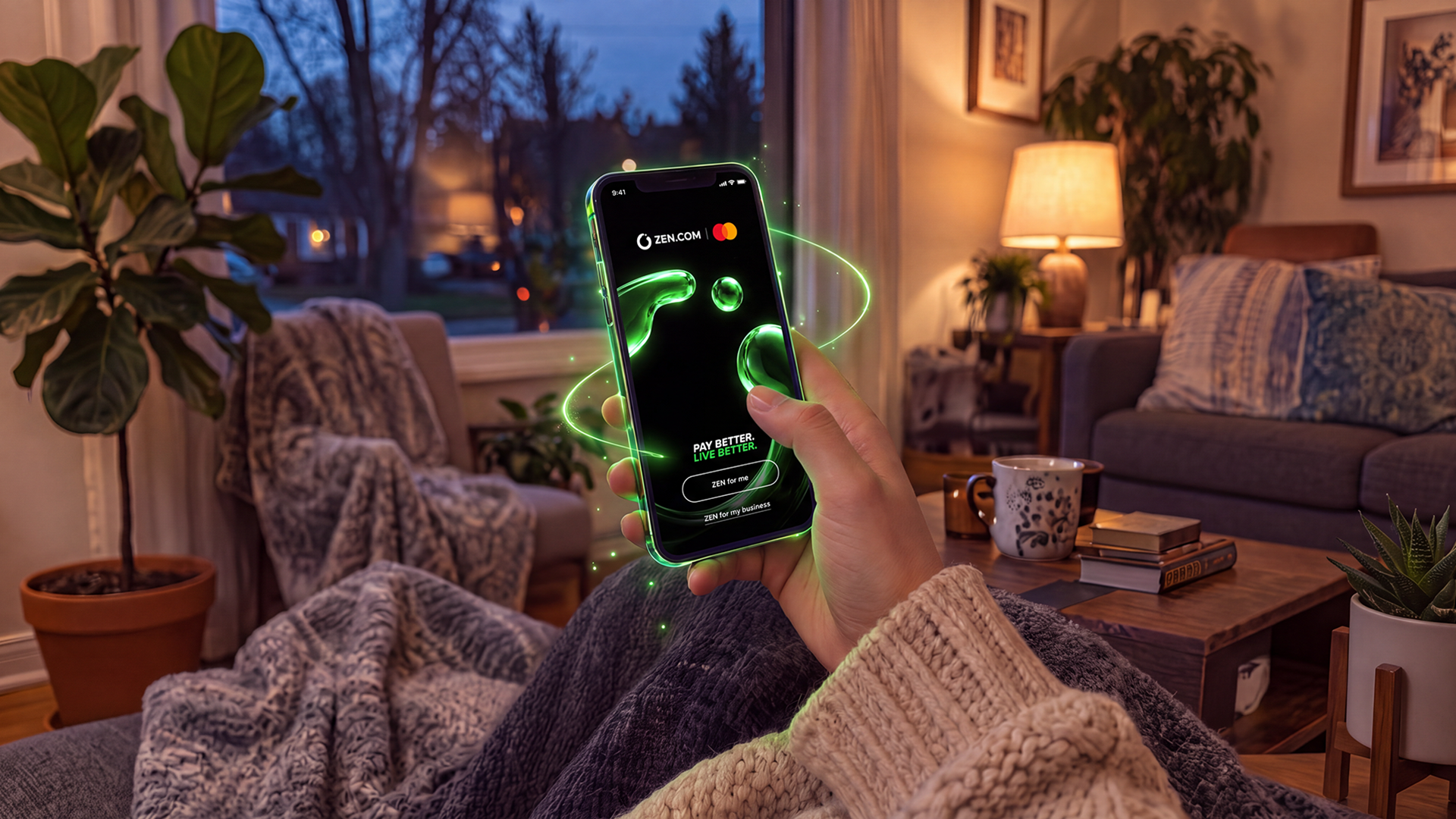
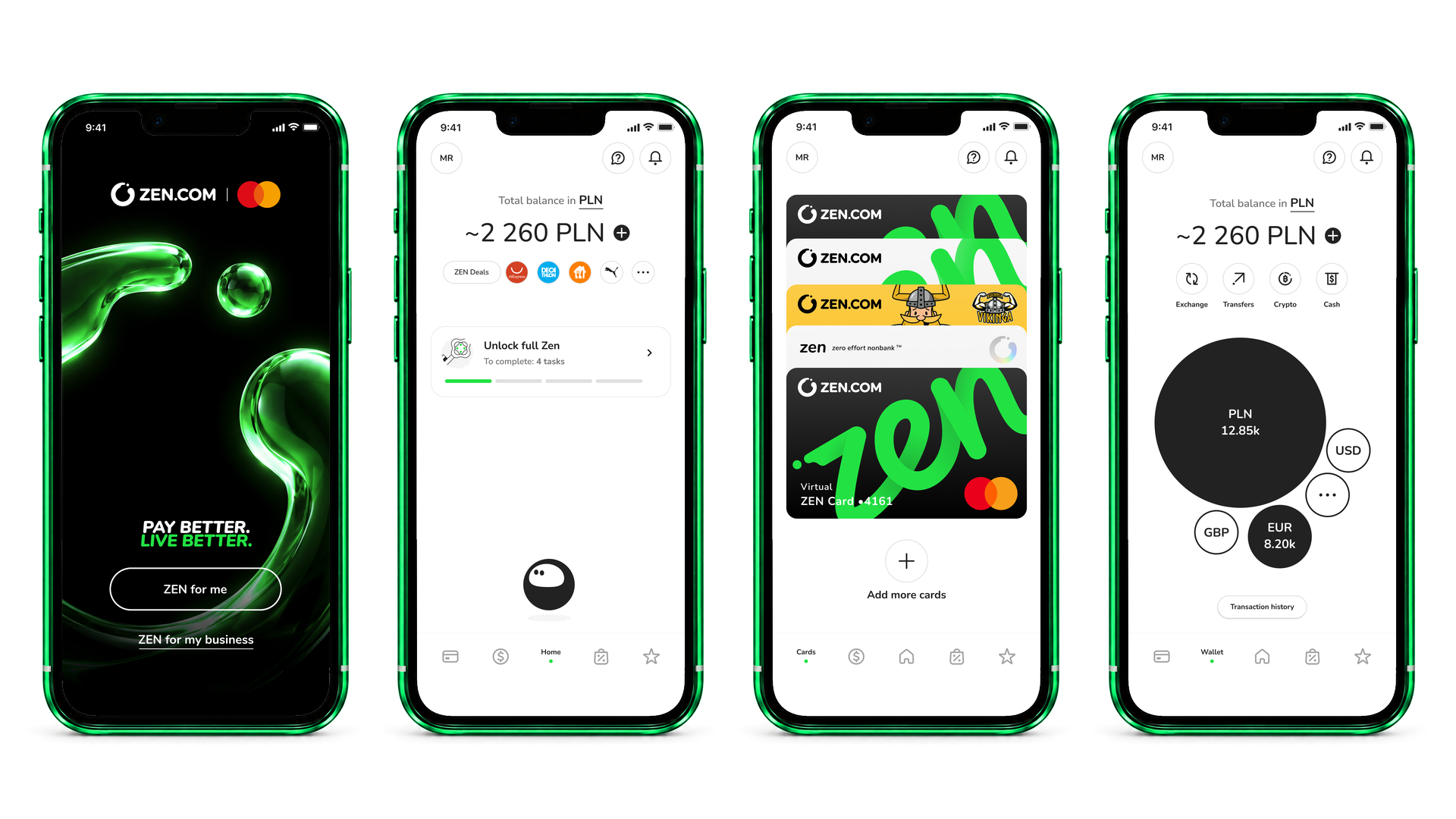
Press & Media Images
High-resolution ZEN.COM imagery approved for press, media coverage and external publications.



Brand Hero
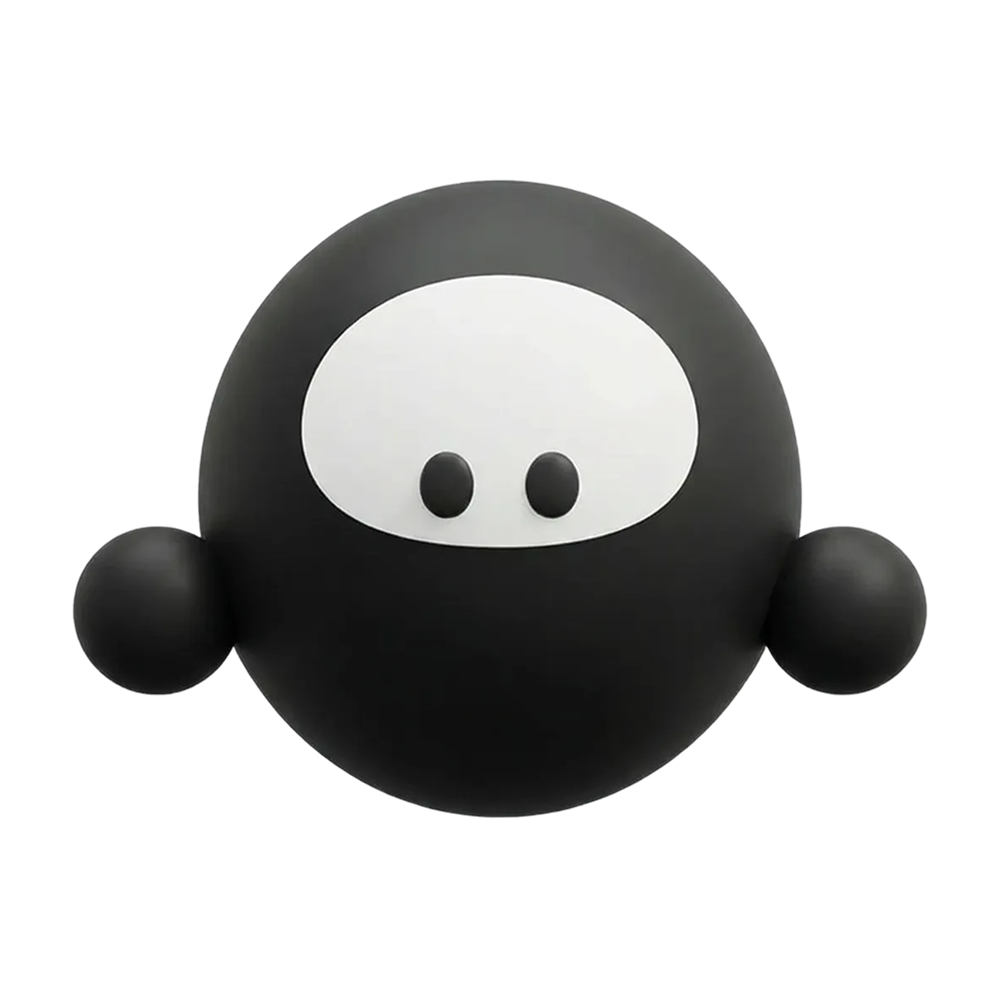
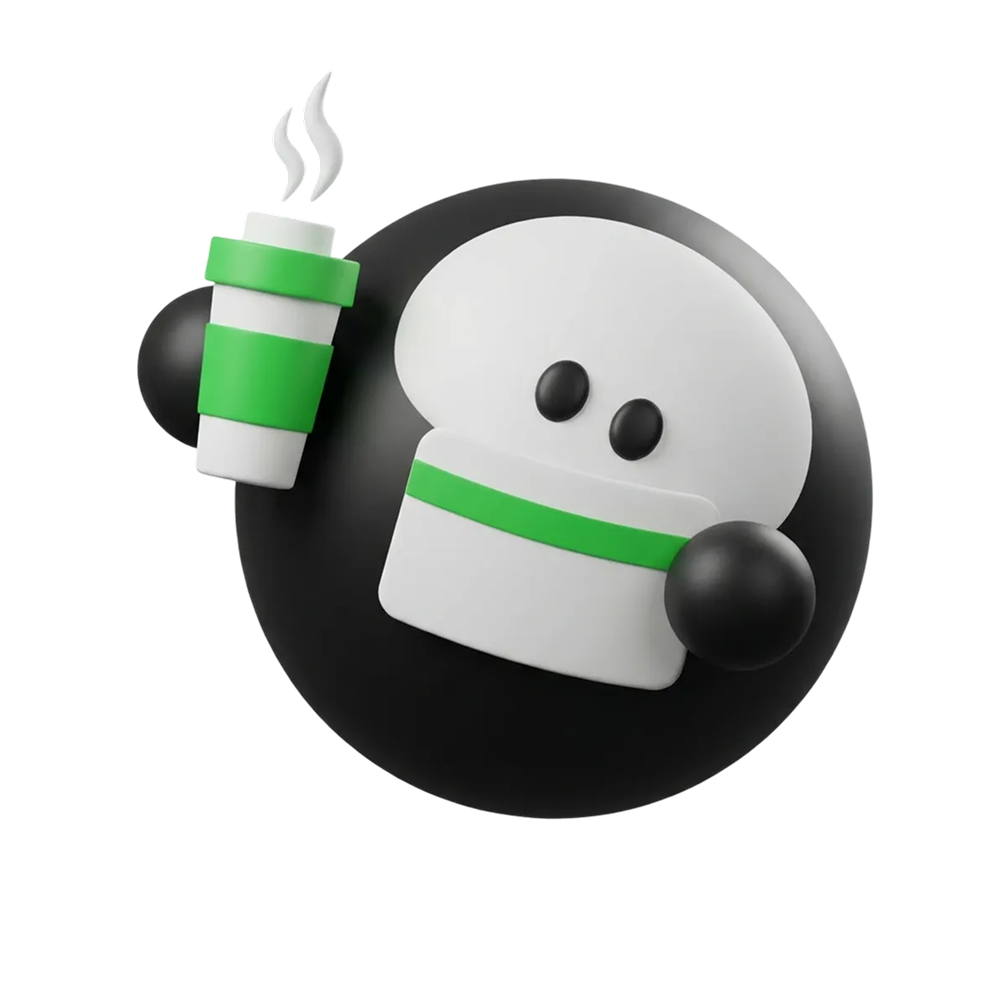
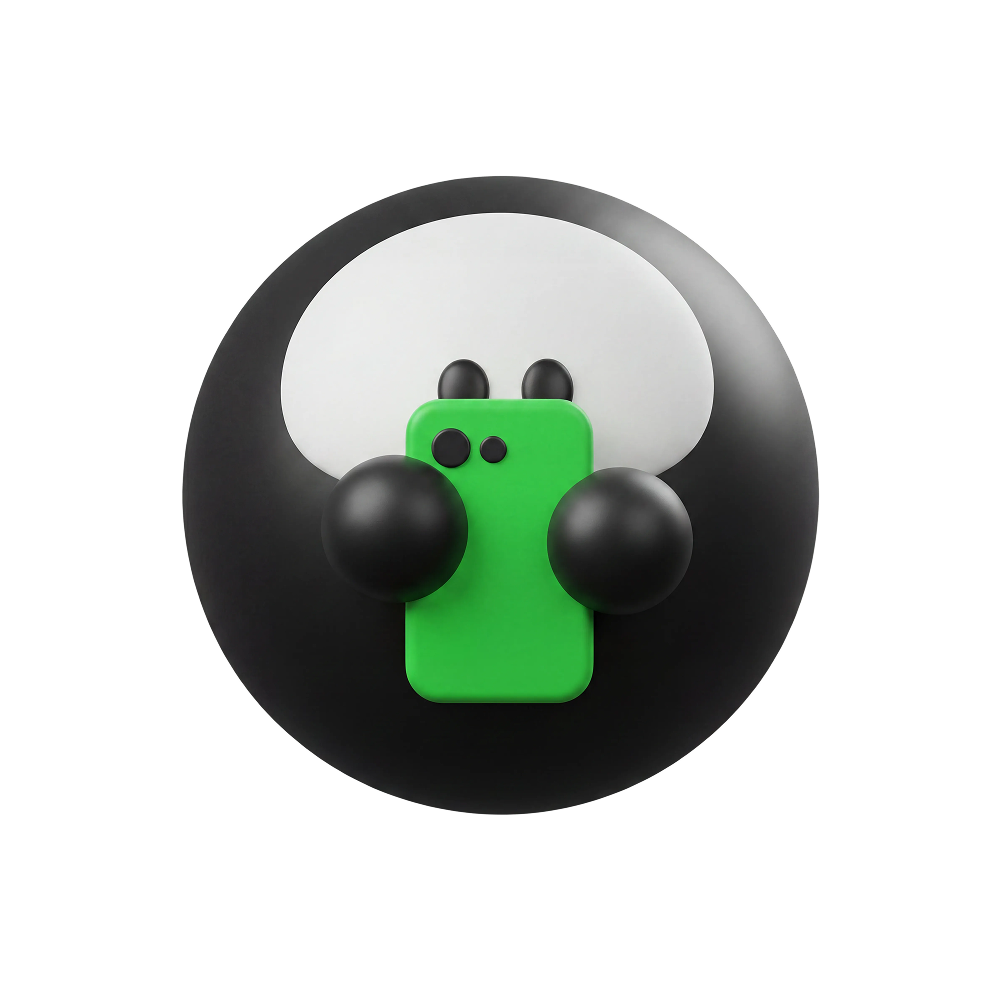
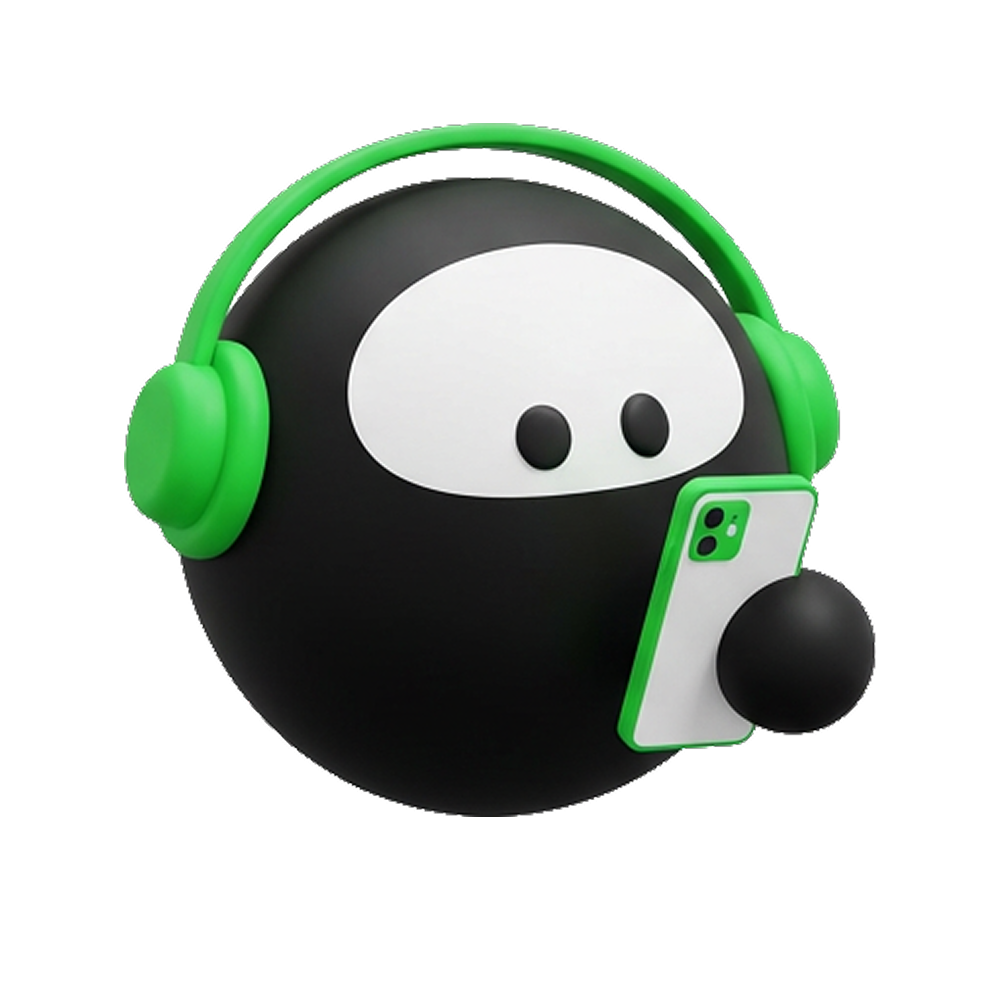
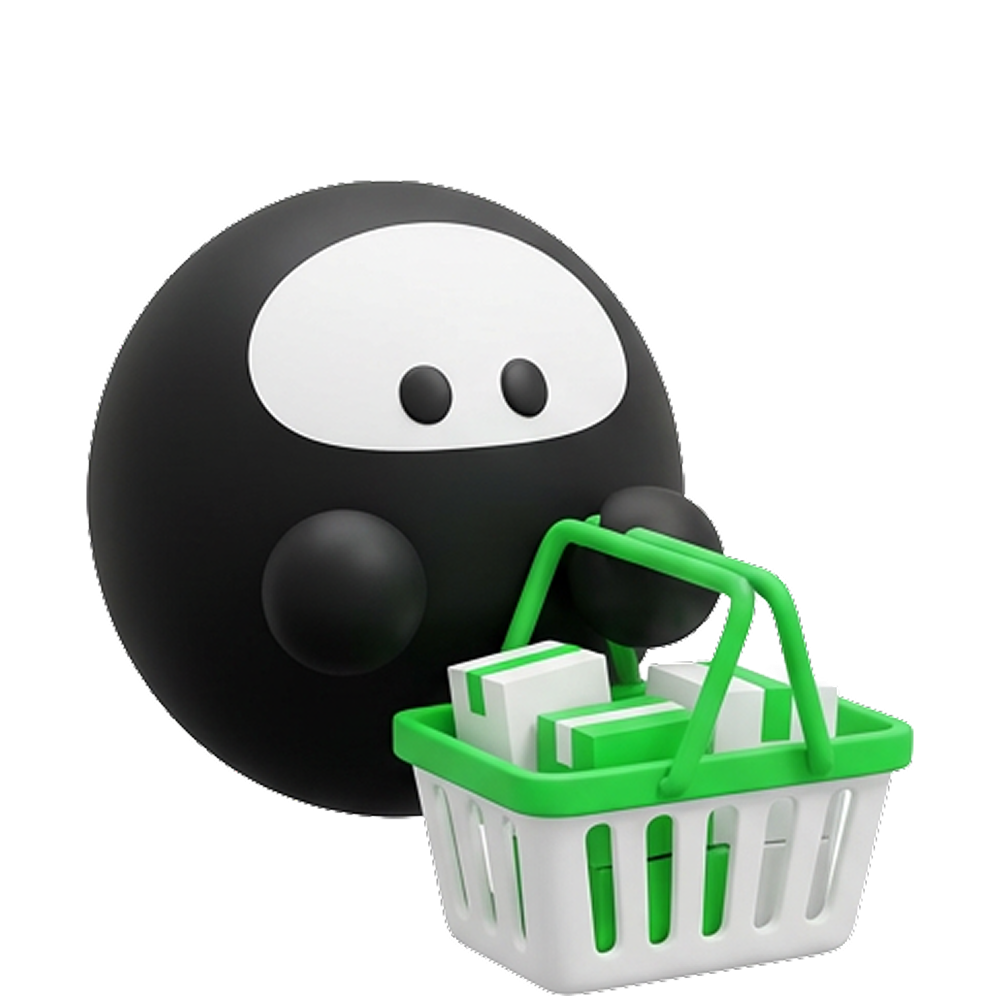
Zenonek is ZEN.COM's mascot and Brand Hero. The name plays on ZEN and the Polish name Zenon - a nod to our Polish roots.
Inside the ZEN.COM app, Zenonek acts as the in-app assistant. Outside the app, we use him only in brand materials: partnerships, collaborations and interactive experiences.
Zenonek is not used in marketing materials such as ads, campaigns or banners.
Zenonek always uses the approved solid-black silhouette with white eyes and black pupils. His proportions, outline and body geometry must remain unchanged. Personality and context can be expressed through poses, facial expressions, props, outfits and surrounding environments.
You can download more Zenonek assets from our expanded library in this Figma file. Access is granted by the Brand Department.