
Get a ZEN card
in the app.
Do it easily in our app.
Your virtual card will be ready instantly.
Download ZEN.COM app
Register in minutes. Start with your app store.
 Scan to download


Get a ZEN card
in the app.
Do it easily in our app.
Your virtual card will be ready instantly.
REWARD ZONE
you shop
Most cards just take money from your account. With the ZEN PRO Card, every payment earns rewards you can turn into money back on everyday purchases. Use your ZEN PRO Card for everyday purchases related to your business or professional activity, and enjoy the rewards and benefits that come with it.
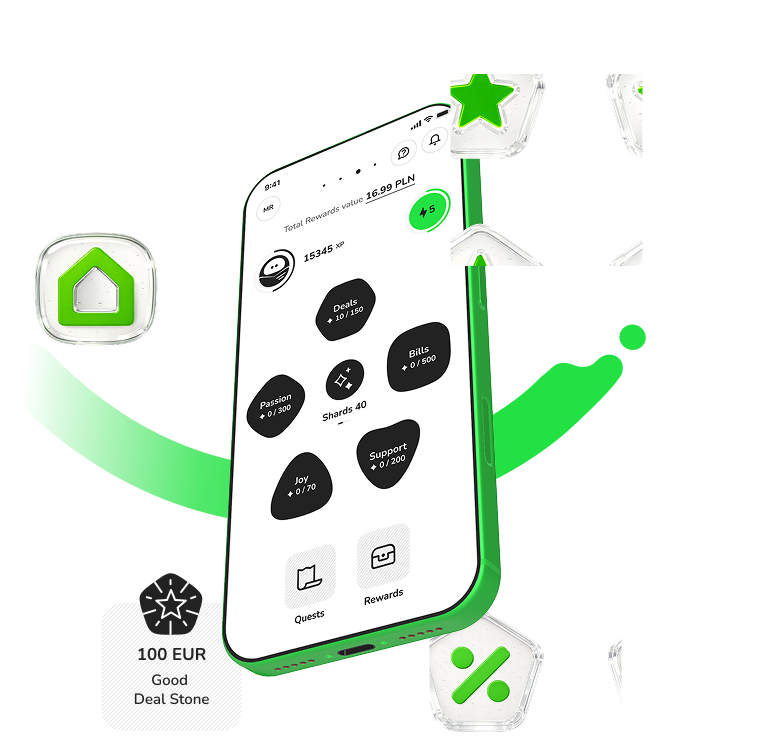


Use your ZEN PRO Card the same way you always do – online, in stores, or for everyday shopping. Every payment earns you Shards, loyalty points you collect in Reward Zone and turn into rewards. Use your ZEN PRO Card for everyday purchases related to your business or professional activity, and enjoy the rewards and benefits that come with it.

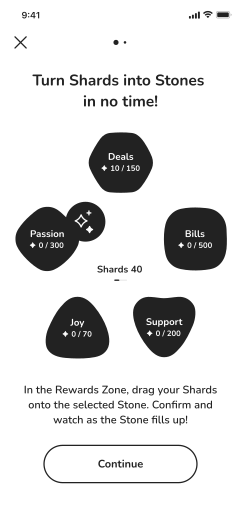
 COLLECT SHARDS
 As your Shards add up, you can unlock your reward – a Stone. Unlock yours to reveal how much money back you’ll get and which of your ZEN Card payments you can use it on.
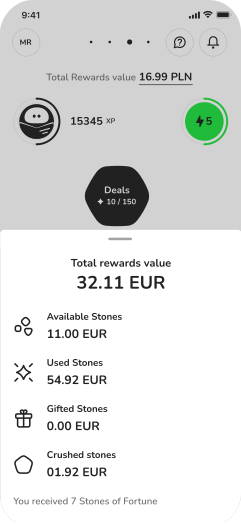
 UNLOCK REWARDS
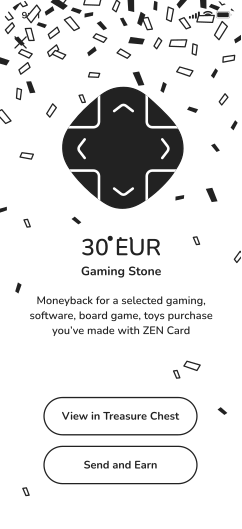
 Unlocked a 30 EUR Passion Stone you can redeem on gaming? Use it to get money back on the latest game you bought with your ZEN Card. Simple as that.

 GET MONEY BACK
 Use your ZEN.COM app like you normally would and complete simple Quests along the way. They reward you with extra Shards and points that can boost your Stones. In other words – everyday actions can unlock even more rewards.
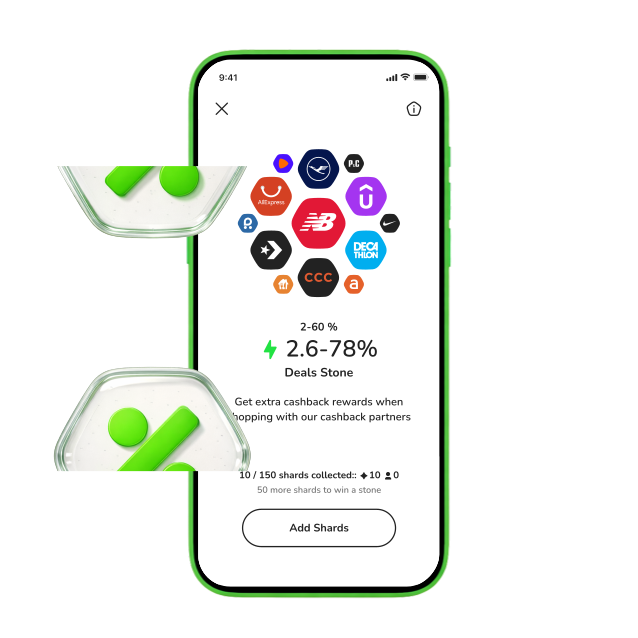
 UNLOCK REWARDS
 reward value:
1 - 30%
Get a one-time cashback boost at one of our partner stores – meaning 4% on Amazon could become 12%.
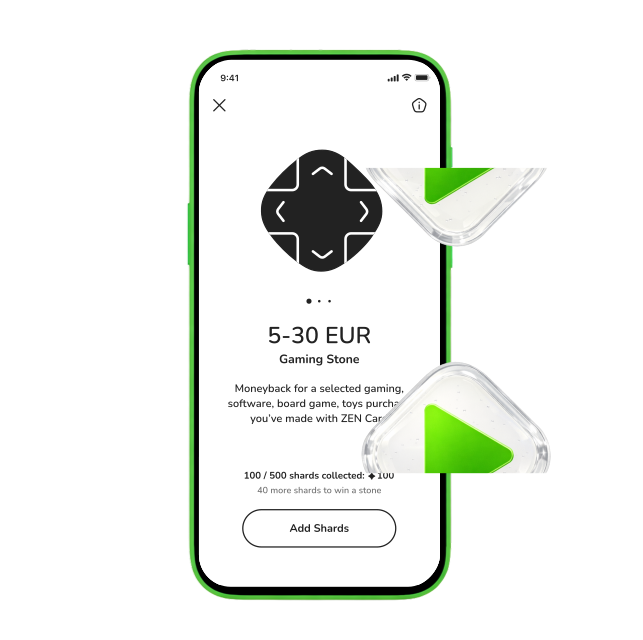
reward value:
5-30 EUR
Get a one-time 5–30 EUR in money back on a ZEN Card payment in one of these categories:Gaming・Movies & Books・Music
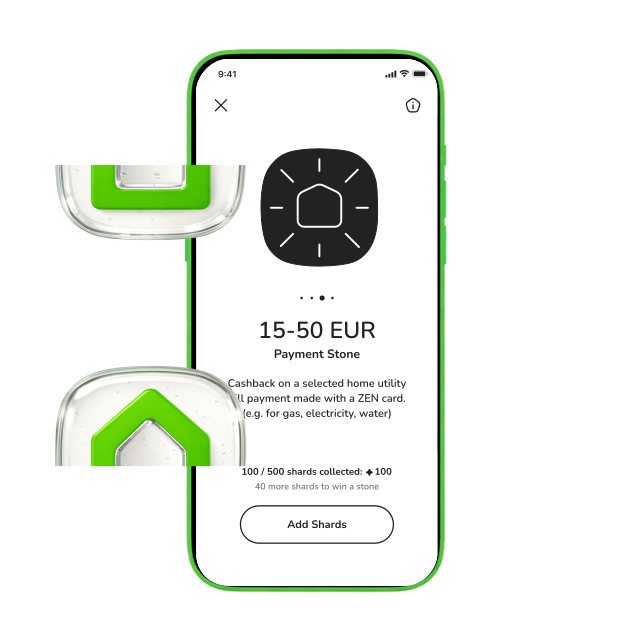
reward value:
15-50 EUR
Get a one-time 15-50 EUR in money back on a ZEN Card payment in one of these categories: Fuel・Internet・Utilities・Phone Bills
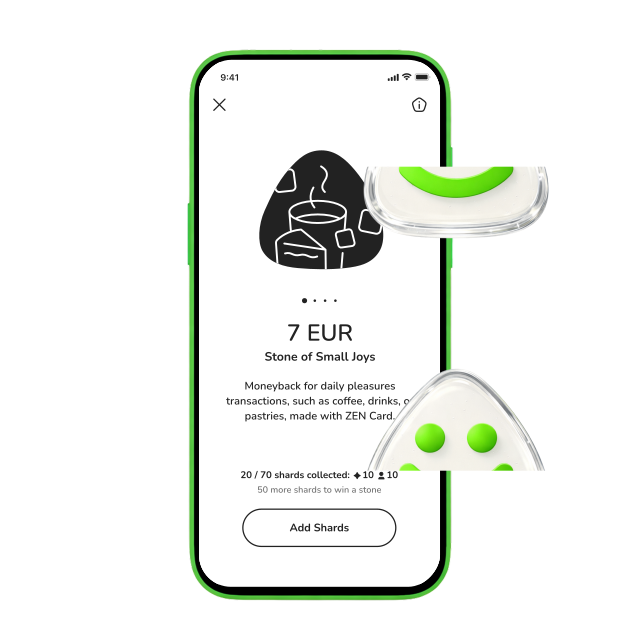
reward value:
2-7 EUR
Get a one-time 2–7 EUR in money back on a ZEN Card payment made atCafés・Bars・Bakeries・Your other favorite local spot
reward value:
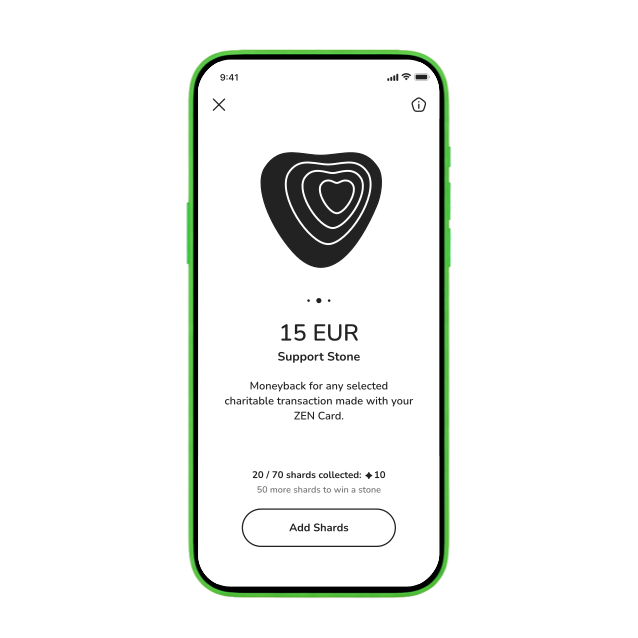
5-15 EUR
Gives a one-time 5-15 EUR in money back on a donation made with your ZEN Card.
Frequently Asked Questions
-
How does the ZEN.COM Reward Zone loyalty program work?
Reward Zone turns everyday shopping into cash rewards.
1. Pay with your ZEN PRO Card to collect Shards.
2. Use Shards to build Stones.
3. Unlock Stones and turn them into cash rewards. -
How can I earn rewards for shopping by collecting Shards?
1. Every 3.30 EUR spent on purchases with your ZEN PRO Card earns 1 Shard.
2. Choose which Stone your Shards go to.
3. Collect enough Shards to unlock the reward. To keep the Reward Zone fair, some transactions don’t qualify for Shards. Learn more in the EN.COM Help Center. -
How do I build Stones from my collected Shards?
To build a Stone from your collected Shards:
1. Open the ZEN.COM app.
2. Go to the Reward Zone.
3. Drag your Shards onto the Stone you want to build. -
How do I redeem my Stones for a cash reward?
After you collect enough Shards and unlock a Stone:
1. Select the Stone in your Rewards.
2. Tap Redeem and choose a matching transaction. Example: a Fuel Stone can be used for petrol station payments.
3. The reward is returned to your ZEN account. See accepted merchant types for each Stone in the ZEN.COM Help Center. -
Can I send Stones to friends within the ZEN.COM Reward Zone?
Yes. You can gift unlocked Stones to your friends.
If your friend chooses to thank you, you will receive additional Synergy Shards in return. Learn more about Synergy Shards in the ZEN.COM Help Center. -
How do I receive Stones from other ZEN.COM users?
Your friend only needs your phone number. When they unlock a Stone, they can choose to gift it instead of redeeming it. After receiving a Stone, you can decide whether to share Gratitude Shards with the sender as a thank you. Learn more about Gratitude Shards in the ZEN.COM Help Center. -
What transaction types are accepted to redeem Stones for rewards?
Each Stone works with specific transaction types based on its category.{;linebreak} Example: Support Stones can be used for charity payments. See the full list of accepted merchant types in the ZEN.COM Help Center. -
Why was my Shard or Stone reward revoked?
Rewards may be revoked if:
* the payment was refunded or charged back
* the reward was earned through misuse or fraud
* the transaction or account did not meet the Reward Zone Terms
